User Settings
Choose the language of the interface, change your password, and sign out of your session. These settings belong to your own user account, so each user in an organisation can work in a different language without affecting anyone else.
To open them, click your user name at the bottom left of the sidebar.

Language
The Language setting controls the language of the NiceCheckIn interface for your user account.
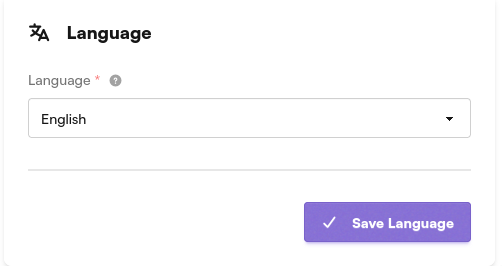
The following languages are available:
- English
- Spanish
- French
- Dutch
Select a language from the dropdown and click Save Language. The interface switches to the new language and stays that way the next time you sign in.
Account Actions
The Account Actions section covers your session and your password.
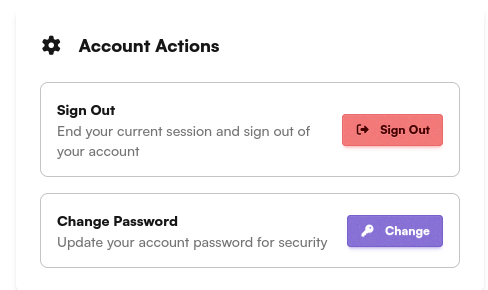
Sign Out
Click Sign Out to end your current session and sign out of your account. You are returned to the login screen.
Change Password
Click Change to update the password of your account. You need your current password to set a new one.